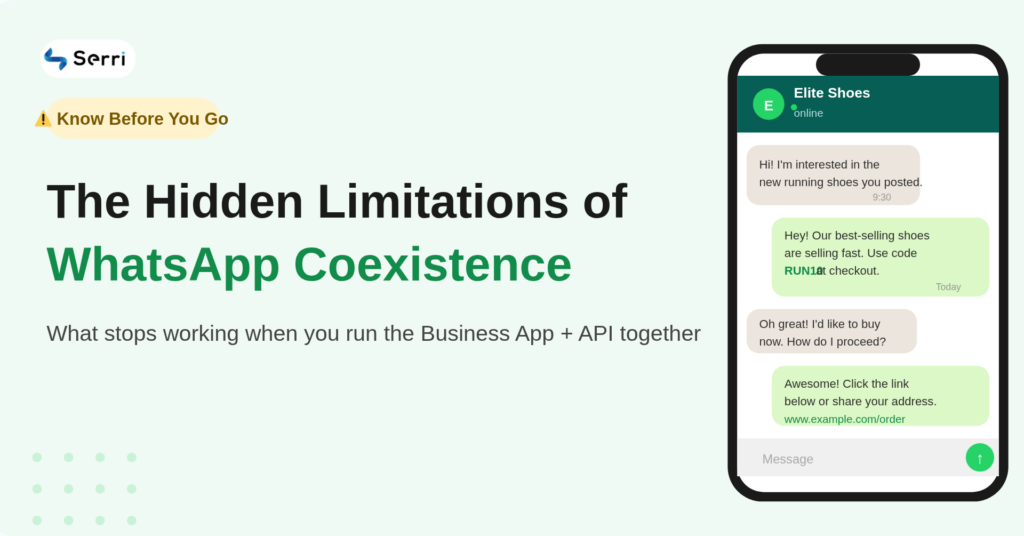
When you use the WhatsApp Business App and API together, some features won’t work or behave differently. Here’s what you need to know:
Feature limitations
- Disappearing messages don’t work, as the API cannot handle auto-deletion
- View-once photos/videos are disabled completely
- Live location sharing is not supported
Sync limitations
- Status updates only show in the mobile app (not on the API)
- Group chats are not supported on the API (no send/receive)
- Some message types (media, reactions, system messages) may not appear on the API
Performance limitations
- Sending speed is lower compared to the full API setup
- Bulk campaigns may get delayed
- High-volume messaging is not prioritized
Device & connection limits
- Some linked devices get disconnected during setup
- Limited companion devices supported
- Some web/laptop devices may not sync properly
- You must open the app every 10–12 days to keep the connection active
- Inactivity can break the API connection (may need re-verification)
Profile & account restrictions
- Business name changes are limited after setup
- Profile fields (about, category, etc.) may be locked or need approval
Chat history limitations
- Only up to ~6 months of chats may sync (depends on provider)
- Older chats and some media may not transfer
Automation conflicts
- App features like welcome messages, away messages, auto-replies, quick replies, and catalogs may stop working or conflict with API automation
Setup & availability
- Not available in all regions yet
- Requires onboarding via a BSP
- Number should be active on WhatsApp Business App (min. 7 days recommended)
- Some providers suggest 1–2 months of usage for smoother onboarding
- Cannot be activated directly by developers
Other notes
- Some devices may need to be re-linked after setup
- If the number was previously on the API, cleanup may be required
Requirements
You only need:
- A WhatsApp Business account
- A number already active on the WhatsApp Business app
Setup (Quick Summary)
- Choose “Connect existing WhatsApp Business number.”
- Scan QR code
- Select chat sync option
- Complete verification
After setup:
- Mobile app continues working
- API + automation runs alongside
Setup usually takes a few minutes.
Why this matters
WhatsApp is the most used communication channel for businesses today. But the automation gap held many companies back from scaling.
With Coexistence:
- Small businesses can keep their number and upgrade
- Growing teams can scale communication without fear of losing customer records
- Enterprises can enable automation without disrupting operations
This update finally makes WhatsApp automation accessible for everyone.